
Lock Screen
App lock adds an extra layer of protection to the Locker mobile app. When Locker is locked, you must authenticate before opening its contents.
Before you start
Set up a passcode or screen lock in your phone's system settings before configuring Locker's app lock. This is required even if you want to use a custom PIN or password in Locker. Keep your device screen lock enabled.
Available authentication methods
Choose one app-lock method at a time:
Device lock
Use your device's authentication, such as Face ID, Touch ID, fingerprint, or its passcode. The available methods depend on your device and system settings.
PIN
Choose Pin lock to set a custom numeric PIN for Locker.
Password
Choose Password to set a custom password for Locker's app lock.
Device lock, PIN, and password are alternatives. A custom Locker PIN is not an additional fallback that stays enabled alongside Device lock.
Enabling lock screen
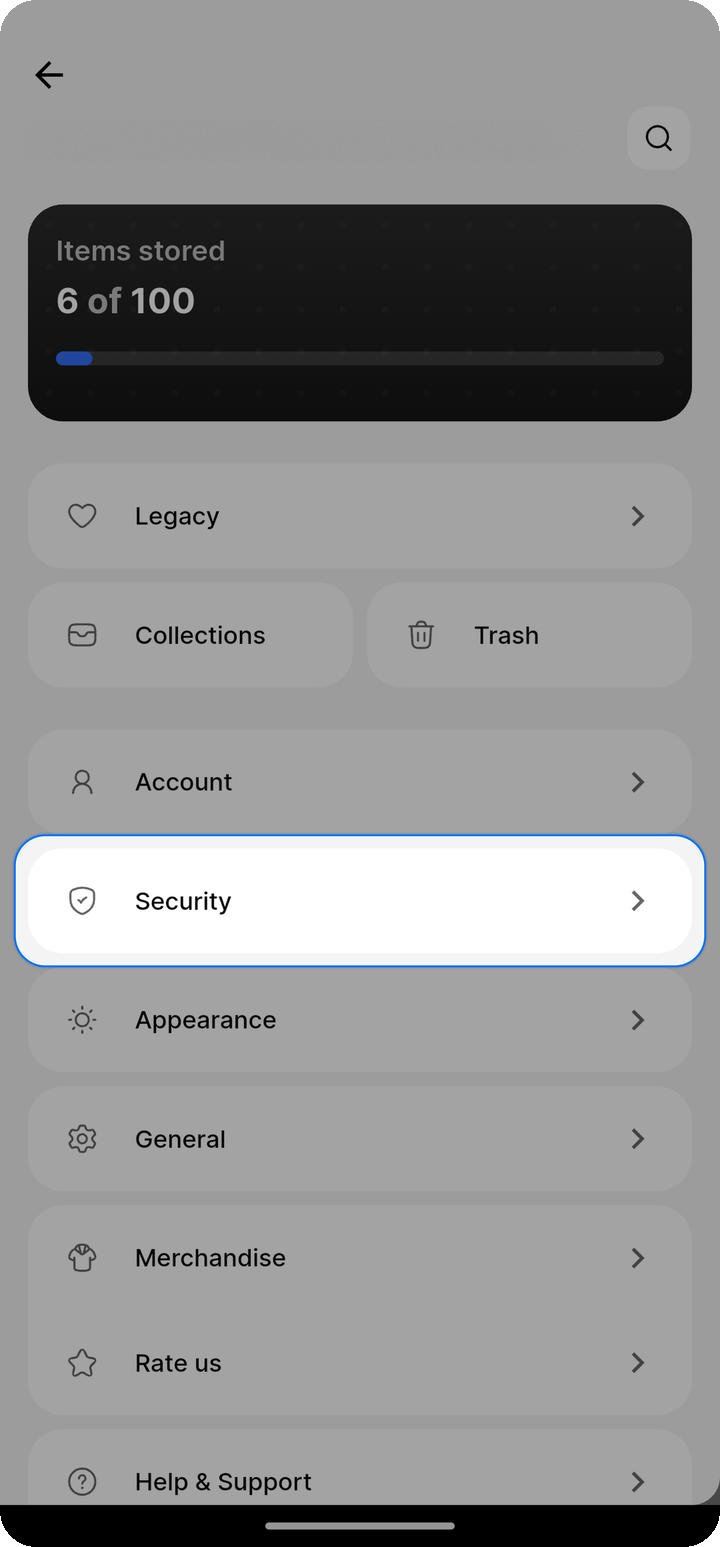
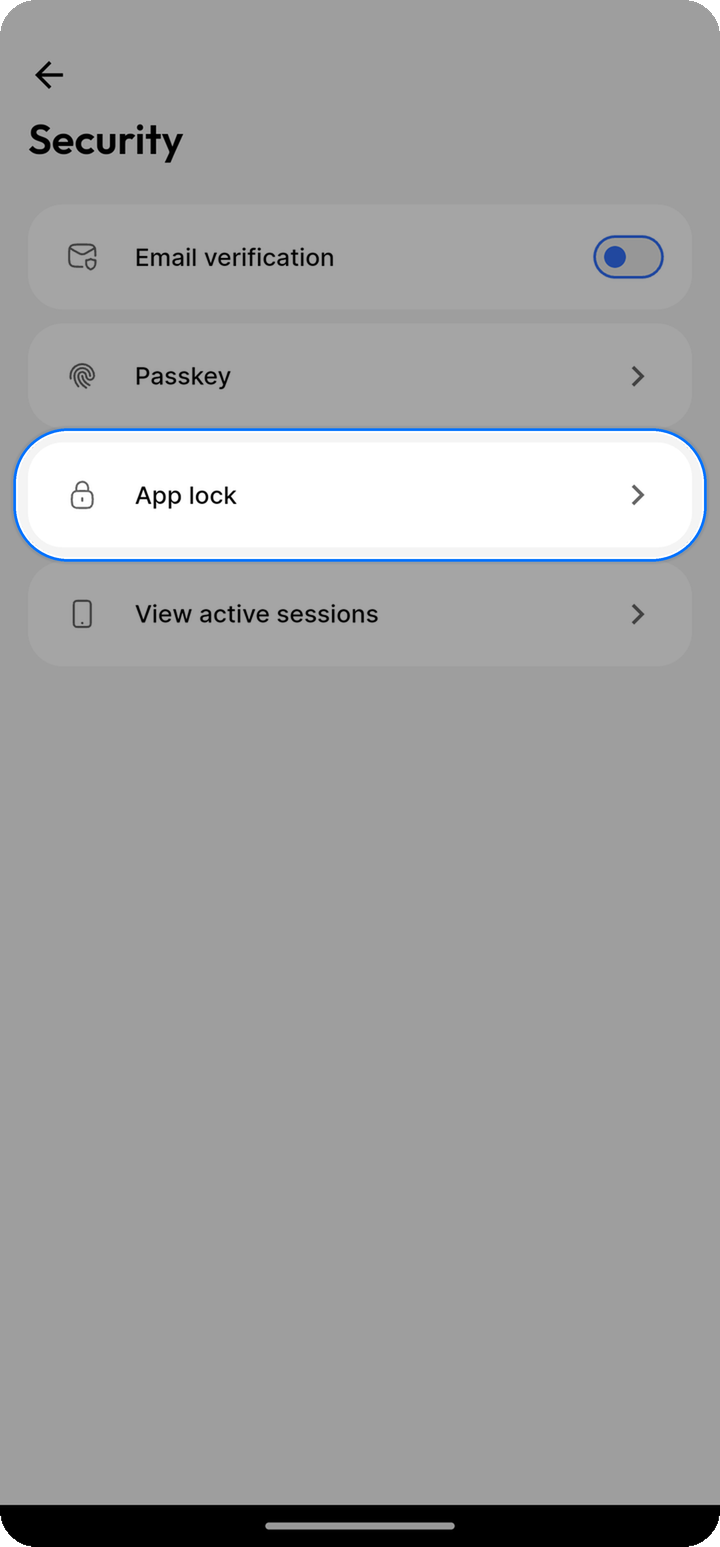
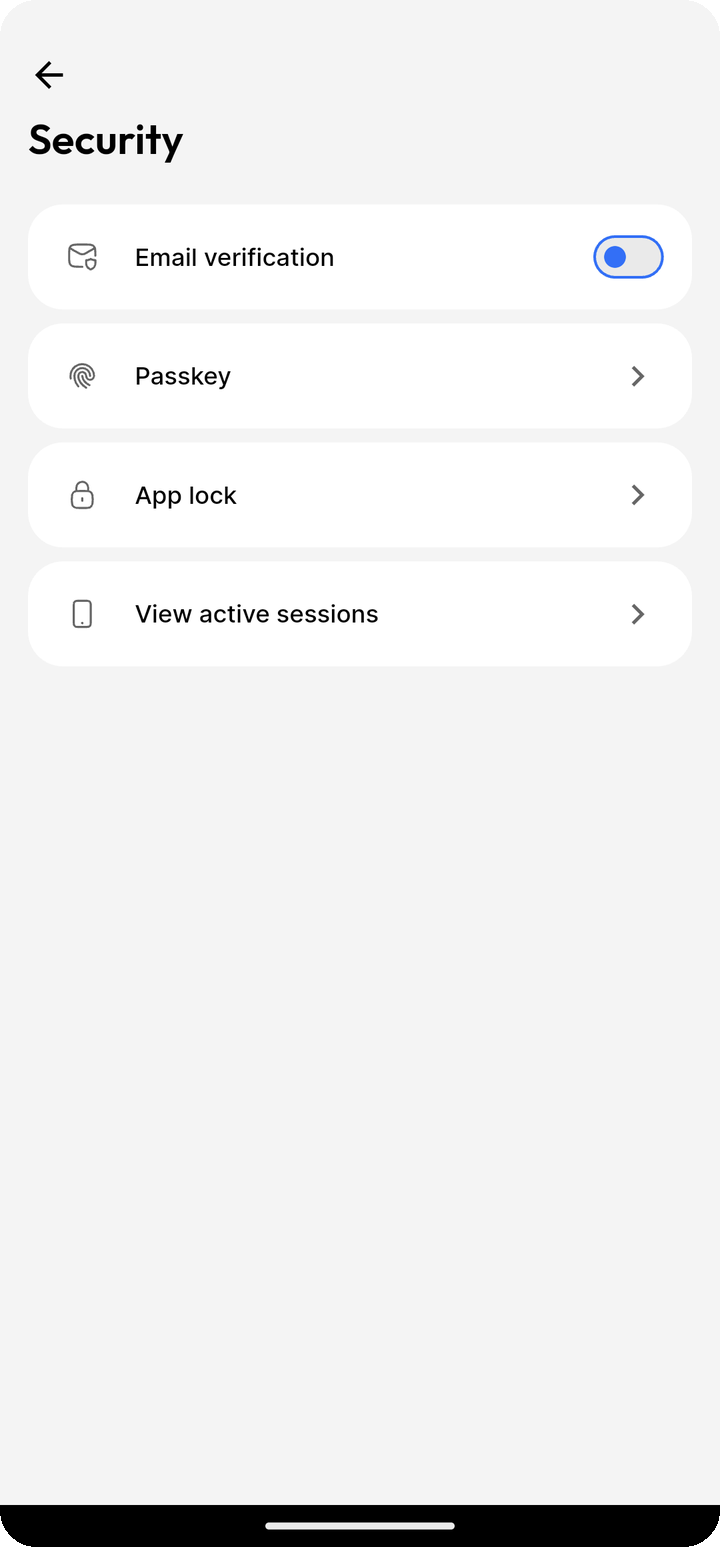
- Open Ente Locker
- Open
Settings > Security > App lock - Authenticate when prompted
- Turn on App lock
- Choose Device lock, Pin lock, or Password, and follow the prompts
If Locker says that no system lock was found, configure a passcode or screen lock in your phone's settings, then try again.
Configuring lock screen
Auto-lock timing
Open Settings > Security > App lock > Auto lock to choose how soon Locker locks after it is put in the background.
Available intervals are Immediately, 5s, 15s, 1m, 5m, and 30m.
Hide content
Open Settings > Security > App lock and turn on Hide content to hide Locker's contents in the app switcher. On Android, this also disables screenshots of the app.
Using lock screen
Unlocking
When Locker is locked, open it and authenticate with the method you selected. If you chose Device lock, the authentication options are provided by your device.
Fallback options
With Device lock, your device may offer its passcode if biometric authentication fails. Follow the options shown by your device.
If you chose a custom Locker PIN or password, use that method to unlock Locker. These methods are separate from Device lock.
Security considerations
- Keep your phone protected with a strong device passcode or screen lock
- Remember the custom PIN or password you choose for Locker
- Biometric authentication is handled by your device