
Uncategorized
Uncategorized is a special album where photos are automatically added under the following circumstances:
- When you remove a photo from its last album, it moves to Uncategorized
- During album deletion, if you choose to keep photos but delete the album, all photos exclusive to that album move to Uncategorized
NOTE
This does not include photos uploaded by others.
Organize Uncategorized photos
On desktop:
- Open Uncategorized and select the photos you want to organize
- Choose Move in the action bar and select a destination
- To place the same photos in more albums, open the first destination album, select them, and choose Add to album
- Repeat for each additional album; the desktop picker uses one destination at a time
On mobile: Select the photos and use Add to album to choose one or more destination albums.
Use these album actions for photos already in Ente. Upload selects new files from your computer. A photo can belong to multiple Ente albums while counting only once toward your storage.
Cleaning up Uncategorized items
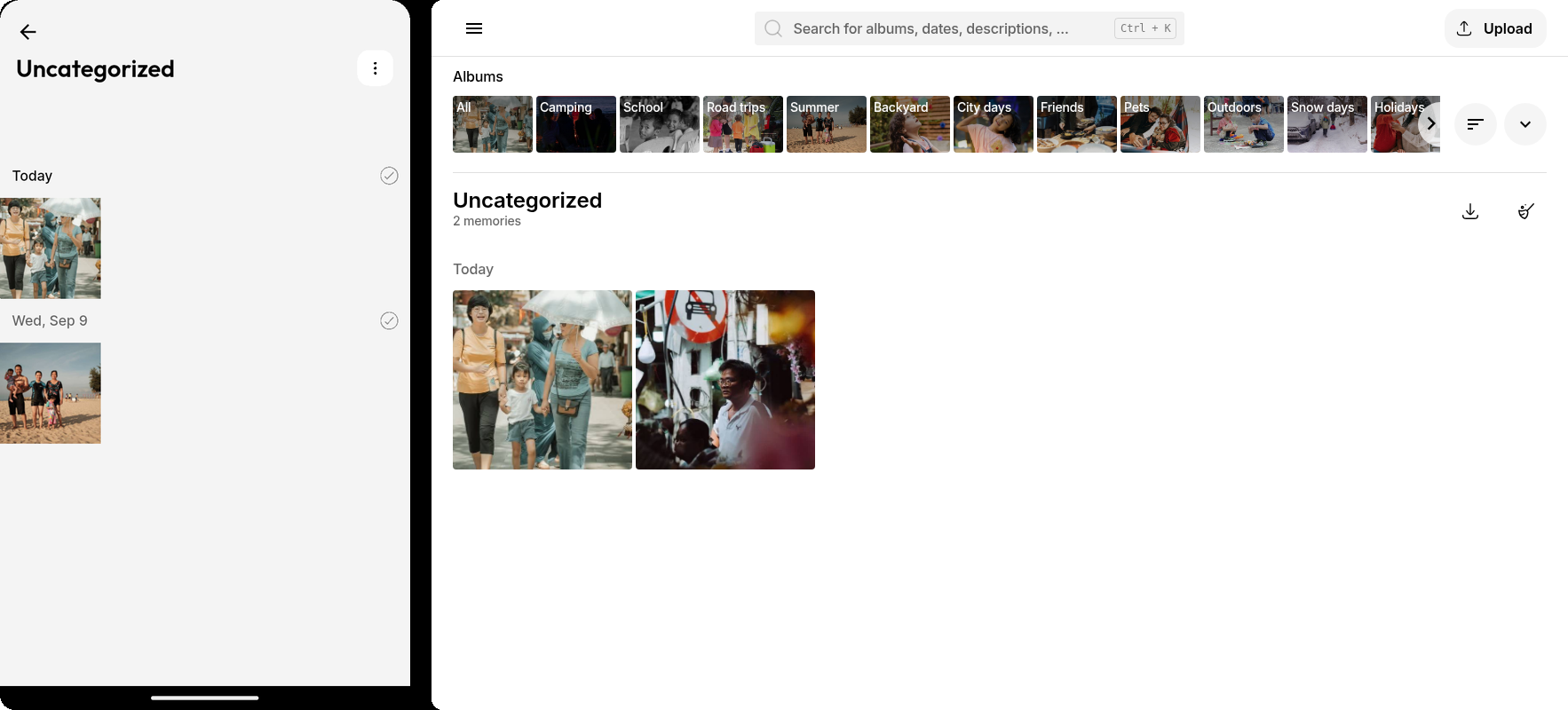
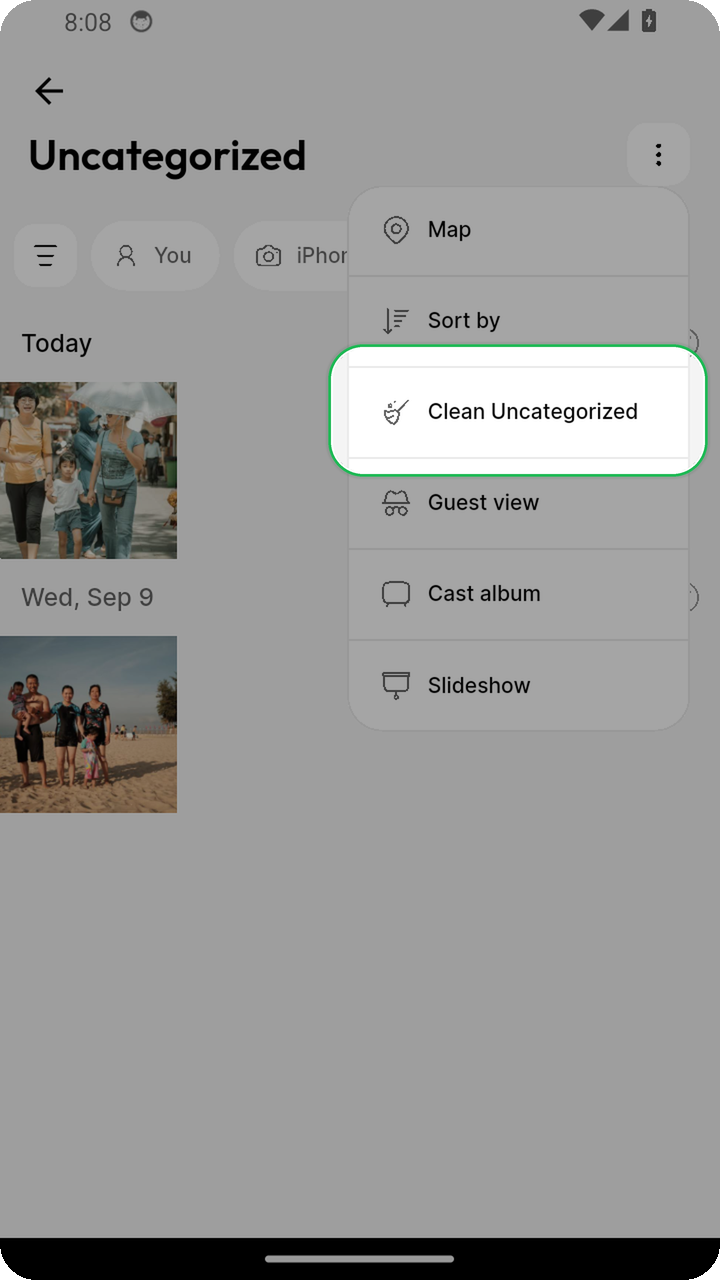
On mobile:
- Open the Uncategorized album
- Tap the overflow menu (three dots)
- Select Clean Uncategorized
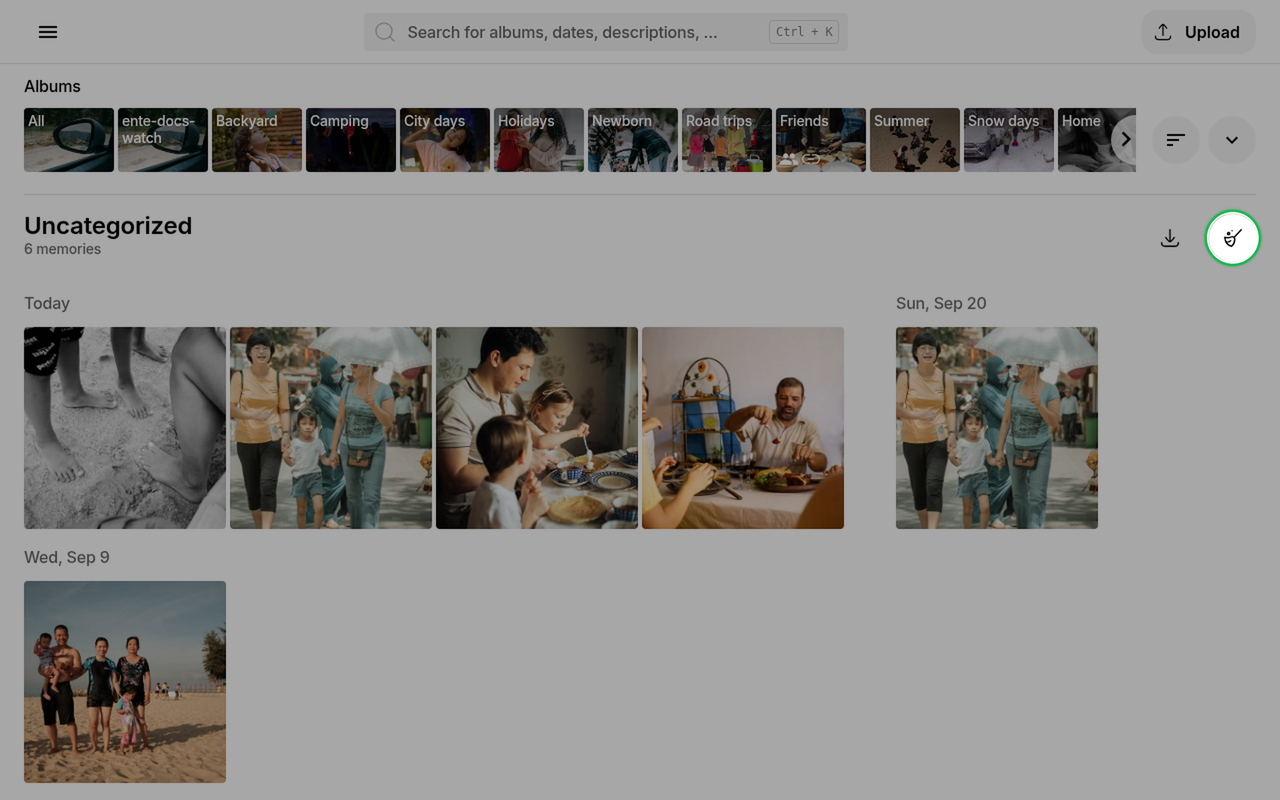
On web/desktop:
- Open the Uncategorized album
- Click the clean icon (broom)
All files that are also present in another album you own will be removed from Uncategorized.